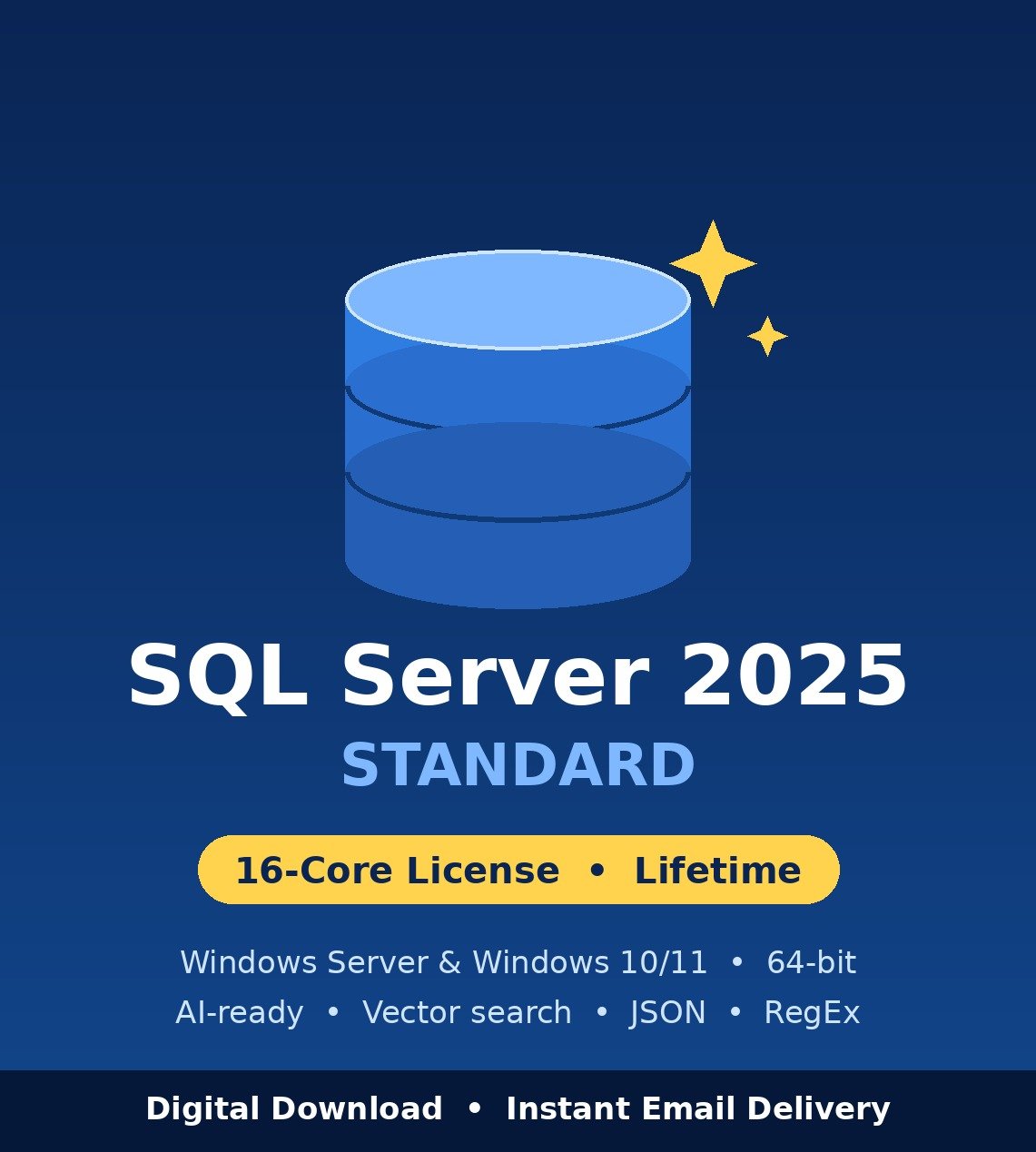
Microsoft SQL Server 2025 Standard – 16-Core License (Digital Download)
Microsoft SQL Server 2025 Standard is the newest version of Microsoft’s relational database platform, released on 18 November 2025. It is built for small and medium businesses that need a reliable production database for business applications, websites, ERP and accounting systems, reporting and analytics, without paying for Enterprise edition.
SQL Server 2025 is the first SQL Server release with AI features built directly into the database engine, including a native vector data type for similarity search, a native JSON data type and regular expression (RegEx) support in T-SQL. For Standard edition customers, the biggest change is capacity: Standard now supports up to 32 cores and 256 GB of buffer pool memory, double the memory of SQL Server 2022 Standard.
This listing is a 16-core license with a one-time payment. You receive your product key and official download instructions by email after purchase.
SQL Server 2025 Standard – Quick Facts
| Item |
Details |
| Product |
Microsoft SQL Server 2025 Standard (version 17.x) |
| License type |
16-core license, one-time payment, no subscription |
| Devices |
1 server / device. Not transferable after activation |
| Release date |
General availability 18 November 2025 |
| Standard edition limits |
Lesser of 4 sockets or 32 cores, 256 GB buffer pool memory per instance |
| Supported Windows |
Windows Server 2019, 2022, 2025 and Windows 10 / 11 |
| Architecture |
64-bit (x64) only |
| Languages |
All languages available on the official installation media |
| Delivery |
Digital only – product key and download instructions by email |
| Support |
24/7 live chat help with download, installation and activation |
What’s New in SQL Server 2025
1. Bigger limits for Standard edition
Standard edition now supports up to 32 cores (up from 24) and 256 GB of buffer pool memory (up from 128 GB). Many workloads that previously needed Enterprise edition can now run on Standard.
2. Built-in AI and vector search
A native vector data type and vector functions let you store AI embeddings and run similarity (semantic) search with T-SQL, directly inside the database. This makes it possible to build AI search and retrieval features on your own data without a separate vector database.
3. Native JSON data type
JSON data can now be stored in a dedicated binary JSON type instead of plain text, so you can parse, query and modify JSON values more efficiently with built-in functions.
4. Regular expressions (RegEx) in T-SQL
Find, replace and validate text using regular expressions directly in your queries – no CLR or custom workarounds needed.
5. Optimized locking and better concurrency
Optimized locking reduces lock memory and lock escalation, so more users can update data at the same time with fewer blocking problems. No application code changes are required.
6. Resource Governor now in Standard edition
Resource Governor, previously an Enterprise-only feature, is included in SQL Server 2025 Standard. You can limit CPU, memory and I/O for specific workloads so important applications always get the resources they need.
7. Faster, smaller backups with ZSTD compression
A new ZSTD backup compression algorithm gives faster backups and better compression than the previous default.
8. Security and hybrid features
SQL Server 2025 supports Microsoft Entra managed identities for authentication and Microsoft Fabric mirroring for near real-time copies of your data for analytics. SQL Server Management Studio 22 adds GitHub Copilot assistance for writing T-SQL.
Good to know: Microsoft discontinued SQL Server Web edition starting with SQL Server 2025. For on-premises production databases, Standard edition is now the recommended paid entry point.
SQL Server 2025 Standard vs SQL Server 2022 Standard
| Feature |
SQL Server 2022 Standard |
SQL Server 2025 Standard |
| Max cores per instance |
24 |
32 |
| Max buffer pool memory |
128 GB |
256 GB |
| Vector data type / AI search |
No |
Yes |
| Native JSON data type |
No (JSON stored as text) |
Yes |
| RegEx in T-SQL |
No |
Yes |
| Optimized locking |
No |
Yes |
| Resource Governor |
Enterprise edition only |
Included in Standard |
| Minimum Windows Server |
Windows Server 2016 |
Windows Server 2019 |
Still running older servers? See SQL Server 2022 Standard if you need Windows Server 2016 support.
Who Should Buy SQL Server 2025 Standard?
- Small and medium businesses running accounting, ERP, CRM, stock or booking software on their own server.
- Companies upgrading from SQL Server 2016, 2017 or 2019 that want the latest version with the longest support ahead.
- Developers who want vector search, native JSON and RegEx for modern and AI-powered applications.
- Businesses outgrowing SQL Server Express that need SQL Server Agent jobs, high availability and larger databases.
- Former Web edition users who need an on-premises replacement now that Web edition is discontinued.
System Requirements
Microsoft’s minimum requirements for installing SQL Server 2025 Standard on Windows:
| Component |
Requirement |
| Operating system |
Windows Server 2019, 2022 or 2025 (Standard, Datacenter, Essentials, Server Core); Windows 10 or Windows 11 (Home, Pro, Enterprise, IoT Enterprise) |
| Processor |
x64 processor, minimum 1.4 GHz (2.0 GHz or faster recommended) |
| Memory (RAM) |
Minimum 1 GB; at least 4 GB recommended, more as your databases grow |
| Disk space |
At least 6 GB free on the system drive for setup, plus space for your databases |
| .NET Framework |
.NET Framework 4.7.2 |
| Display |
Super-VGA (800 x 600) or higher |
Note: SQL Server 2025 does not install on Windows Server 2016 or 32-bit systems. If you are not sure your server is compatible, message our live chat before buying and we will check it with you.
What You Receive
- A SQL Server 2025 Standard product key (16-core license)
- Instructions to download the official installation media
- Step-by-step installation and activation guide
- Free live chat support for download, installation and activation
How to Install and Activate SQL Server 2025 Standard
- Download the official SQL Server 2025 installation media using the instructions in your order email.
- Run setup.exe and choose New SQL Server standalone installation.
- On the Product Key page, select Enter the product key and paste your key. Setup will confirm the edition is Standard.
- Choose the features you need (normally Database Engine Services) and complete the installation.
- Install SQL Server Management Studio (SSMS) 22 separately to manage your databases.
Already installed the Evaluation or Developer edition? Open SQL Server Installation Center → Maintenance → Edition Upgrade and enter your Standard key. No reinstall is needed. Not sure which path fits your setup? Ask our live chat before you start.
Frequently Asked Questions
Is this a lifetime license or a subscription?
It is a one-time payment license. There are no monthly or yearly fees.
How many cores does this license cover?
This license covers 16 cores on one server. SQL Server 2025 Standard itself can use up to 32 cores and 256 GB of buffer pool memory per instance. If your server has more than 16 cores, contact us before buying so we can recommend the right option.
Can I install SQL Server 2025 Standard on Windows 10 or Windows 11?
Yes. Microsoft supports Standard edition on Windows 10 and Windows 11 as well as Windows Server 2019, 2022 and 2025.
Does SQL Server 2025 work on Windows Server 2016?
No. SQL Server 2025 requires Windows Server 2019 or newer. For Windows Server 2016, choose SQL Server 2022 Standard.
Can I upgrade from SQL Server 2019 or 2022?
Yes. You can do an in-place upgrade from a supported earlier version, or install SQL Server 2025 fresh and migrate your databases. Always take a full backup before upgrading.
Can I move the license to another server later?
No. The license is valid for one server and cannot be transferred after activation.
How fast is delivery?
Delivery is digital. Your product key and download instructions are sent by email after your order is completed. If you don’t see the email, check your spam folder or message our live chat.
Will I get Microsoft updates?
Yes. SQL Server 2025 receives cumulative updates and security patches from Microsoft.
What if activation fails?
Contact our 24/7 live chat and we will help you fix it. If activation cannot be completed and our team cannot resolve the issue, you are covered by our activation guarantee and refund policy.
Is this the full version?
Yes. This is the full SQL Server 2025 Standard edition, not a trial, Express or Developer edition.